
Your growth command center
Marketing, CRM, support and your whole team in one connected workspace. Built to simplify your operations, connect your teams, and support your next stage of growth.
One customer timeline
Every call, chat and ticket
in one place

Each company's data is sealed off inside the database itselfSecurity
The problem
Tools to check
Eight tools.No full picture.
Campaigns run in one platform, customers live in another, calls in a third and tickets in a fourth. Every handover loses a little of the customer.
One workspace.One customer story.
GrowthOS pulls it all into one place: the same customer, the same timeline, the same team, in Arabic and English.

- Marketing platforms
- Customer management (CRM)
- Call center software
- Support & ticketing
- Team collaboration tools
- Freelance marketplaces
- Automation tools
- Analytics and reporting
What runs on GrowthOS
One platform. Every team.
- 01
 /Marketing
Marketing & Social Media
Launch campaigns, manage social content, and measure performance across your channels.
- 02
 /CRM
CRM & Call Center
Manage customer relationships, coordinate your agents, and keep calls and follow-ups connected.
- 03
 /Support
Support & Ticketing
Assign tickets, manage priorities, and track every issue through to resolution, with clear ownership and timely escalation.
- 04/Team
Workspace & Freelance Marketplace
Manage tasks and approvals, hire specialists, and coordinate delivery across your employees and freelancers.
02
Languages, Arabic and English, with a full right-to-left layout

01
Customer timeline that every module writes to


Eight modules, one login
Built forevery team
Switch modules on per company. Each one writes to the same customer timeline, so nothing lives in a silo.
Command Center
The first screen every morning: live numbers from every module your company runs.
- Live company widgets
- A view per role
- Modules on or off per company
- Reports arrive in phase 6
01 / 08
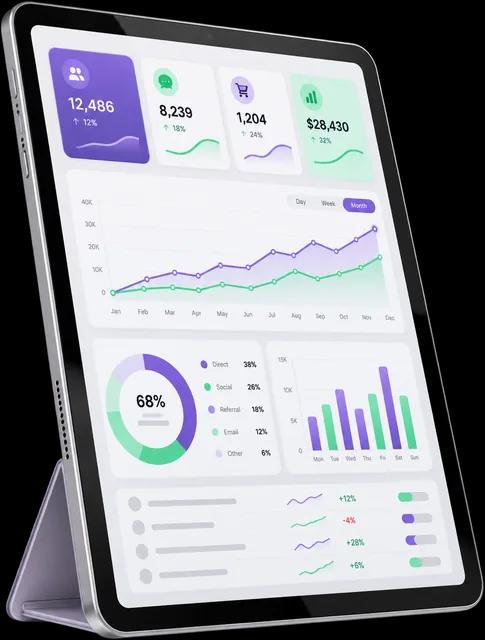
Command Center
- 01Sealed per companyIsolation enforced in the database
- 02Arabic and EnglishRight to left from day one
- 03Role-based accessPermissions per module and role
- 04Installable appWorks on desktop, tablet and phone

Customer profile
Every module writes to the same timeline, so the next person picks up exactly where the last one stopped.
Channels on this profile
- Calls : 3
- Chats : 5
- Tickets : 2
One customer timeline
One customer.One timeline.
Today
0409:12
Asked about plans for a team of twelve
CRM
09:40
Moved to Proposal sent
Pipeline
11:05
Login issue opened, high priority
Support
11:32
Resolved inside the SLA
Support
Earlier
03Mon
First message on WhatsApp
InboxPhase 2
Mon
Lead created from an ad
AdsPhase 3
Sun
Prefers a call after nine
CRM
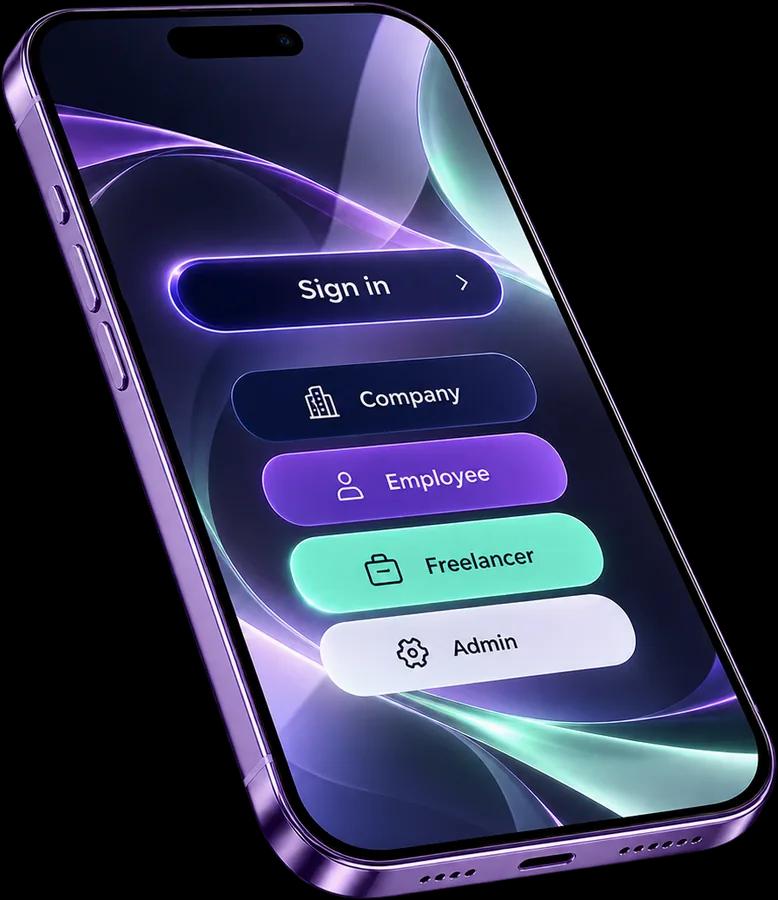
Four portals
One login,fourevery roleportals
Everyone signs in at the same door and lands in the portal made for their role.
Company portal
For owners and managers: the Command Center, the modules you switch on and the whole team in one place.
- Arabic + English
- Own permissions
- Any device
What they see
- Command Center for the whole company
- Modules on or off per company
- Roles for every member
How it works
Up and runningin three steps
No setup project and no long onboarding. Three steps take a company from sign-up to every team working in one place.
- 01
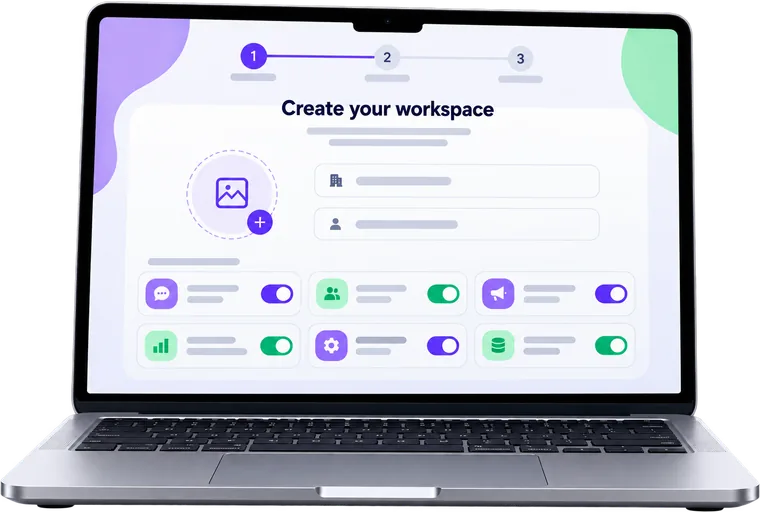
Create your workspace
Sign up, add your company profile and switch on the modules your teams need.
- 02
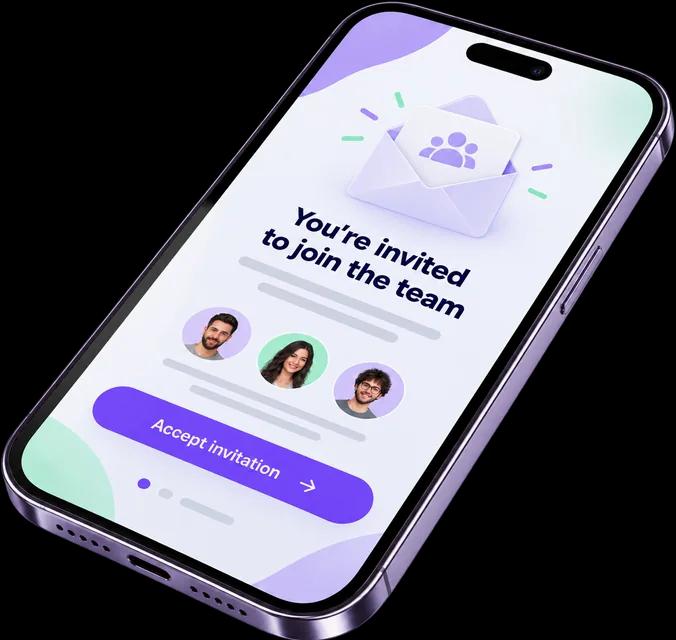
Invite your team
Add employees and freelancers, and give each role exactly the access it needs.
- 03
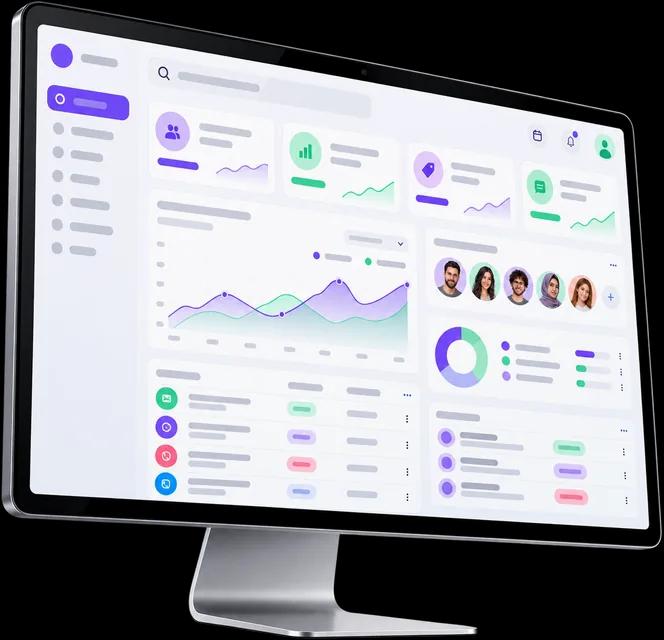
Run it from one screen
Leads, tickets and your team's day meet in the Command Center every morning.
Security
Every companysealedoff
Isolation lives in the database, not in the app remembering to filter. Each company only ever sees its own rows.
Customer phone numbers are masked to protect customer privacy.
- Isolated per company
- Checked on every request
- Logged in the audit trail

- Isolation in the database
- Permissions per role
- Company on every record
What protects each workspace
- Isolation
- Roles
- Audit log
Company isolationDatabase
Every record carries its company, and row level security in the database refuses to show it to anyone outside that company.
Roles and permissionsPer module
Each role gets view, create, edit and delete rights per module. An agent can work tickets without ever seeing the pipeline.
Freelancer accessEnd date
Freelancers join with their own role and an end date. When the date passes, their access to your workspace ends.
- Sealed per company
- Roles per module
- Arabic and English
- Audit log
- One login, many workspaces
Integrations
Your channels,coming to one inbox
WhatsApp, social and ad platforms connect in the next phases. Each one lands on the same customer profile and timeline.
- Messenger
- Gmail
- TikTok
- Snapchat
- Google Ads
- YouTube
Brand names and logos belong to their owners. Integrations are planned and not yet available.
Pricing
Plans that growwith your team
Prices in Saudi riyals, published by the GrowthOS team at launch. Every plan includes Arabic and English.

Starter
For a small team getting its customers in order.
Price at launch
- Command Center
- CRM with your own pipelines
- Support tickets with SLA timers
- Roles and permissions
Growth
RecommendedFor companies that work with freelancers.
Price at launch
- Everything in Starter
- Freelancers inside your workspace
- Permissions per module
- Unified inboxPhase 2
Scale
For groups running several brands at once.
Price at launch
- Everything in Growth
- Several companies, one login
- Ads hub and social publishingPhase 3
- Analytics and reportsPhase 6
FAQ
Questions,answered
Still unsure about something? Ask us when you sign up and we will walk you through it.

Is my company's data kept apart from other companies?
Yes. Every record carries its company, and the database itself refuses to show it to anyone outside that company. The separation does not depend on the app remembering to filter.
Does GrowthOS work in Arabic?
Arabic and English are both built in, with a full right-to-left layout from day one. Each person works in the language they prefer.
Can freelancers work inside our workspace?
Yes. Invite them like employees and give them their own role. One login can belong to several companies and switch between them in a click.
Which modules are ready at launch?
The Command Center, CRM, support tickets, and team and access. The unified inbox, marketing and ads, the company workspace, the freelancer marketplace and analytics follow in later phases, each switched on per company.
Can I control who sees what?
Every role gets its own permissions per module: view, create, edit and delete. An agent can work tickets without ever seeing the sales pipeline.
What happens when one customer calls, chats and opens a ticket?
It all lands on one profile, matched by phone and email, with one timeline that every module writes to. Nobody has to ask the customer twice.
Does it work on phones?
GrowthOS runs in the browser on desktop, tablet and phone, and installs on your home screen like an app.
Ready when you are
Bring every teaminto one command center
Create your company workspace, invite your team and switch on the modules you need.